🧠 Playing QuizWitz
Welcome to QuizWitz! Whether you're playing solo or with friends, this guide will help you get started.
🎯 Choose what to play
Start by browsing the available Round-Abouts — short themed rounds of quiz questions. Use the menu at the top of the screen to explore:
- New — Discover the latest Round-Abouts
- My Collection — Access everything you've saved or created
- Collect — Find Round-Abouts made by the community
- Quick Play — Jump into a random selection

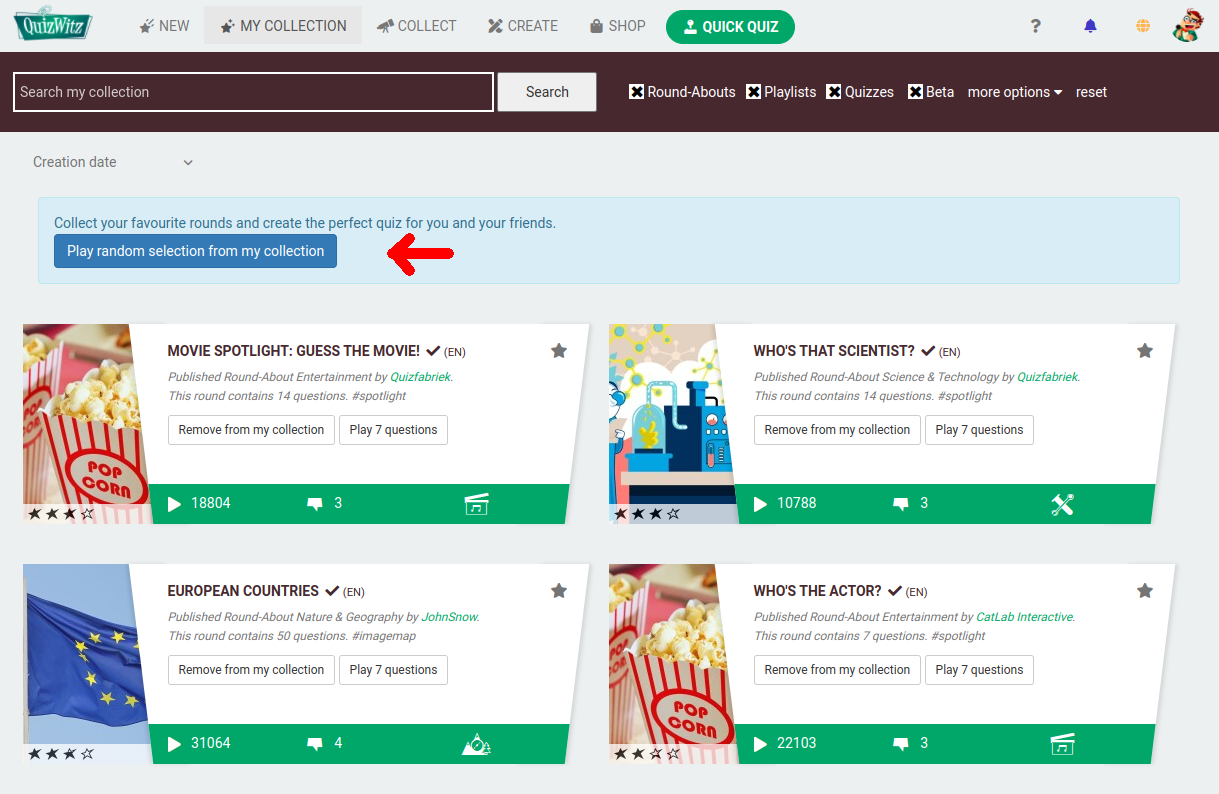
💡 Tip: Want to play everything you’ve collected? Click My Collection, then hit Play my collection!
📚 What's in My Collection?
My Collection includes all the quiz content you’ve either:
- Created yourself
- Collected from other creators
This includes:
- Round-Abouts
- Full quizzes
- Playlists
- Bingos
- ...
You can organize, play, or remove items at any time. This is your personal library — build it how you like!
🧠 Choose a Round-About
A Round-About is a small, themed round of questions. Playing just one will give you a short game with 7 random questions.
To explore a Round-About in more detail:
- Click its image, title, or comments icon
- Click Play to jump in immediately
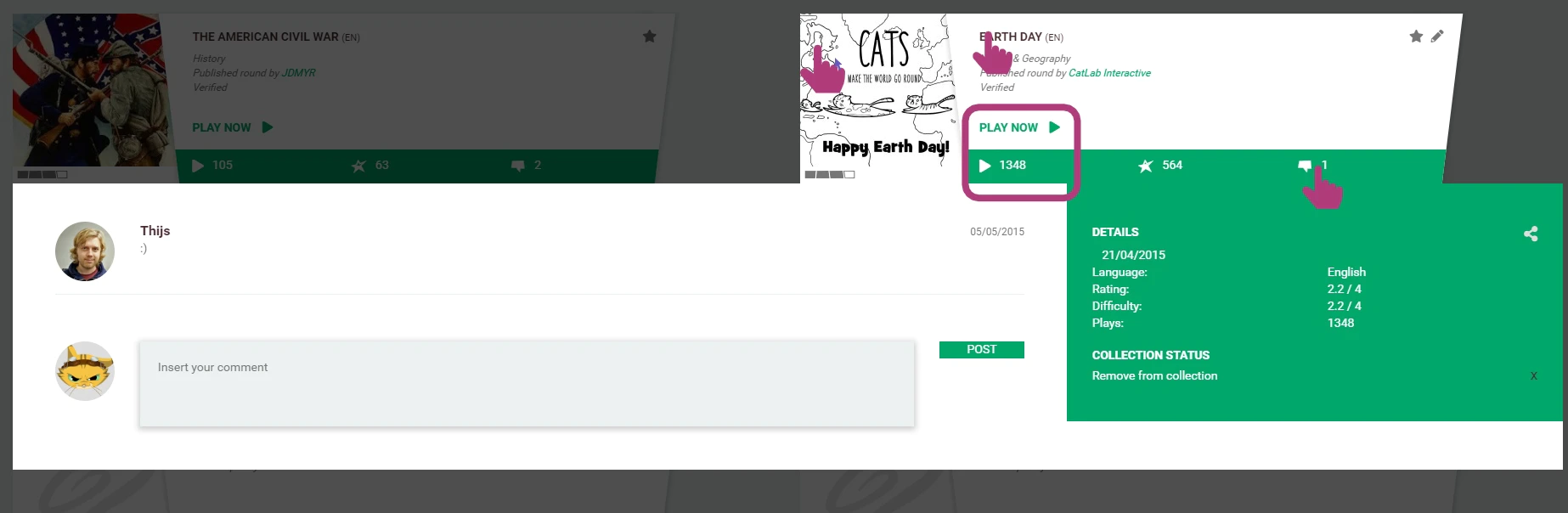
⭐ Add Round-Abouts to your collection
Want to build a full quiz game from multiple Round-Abouts? Here's how:
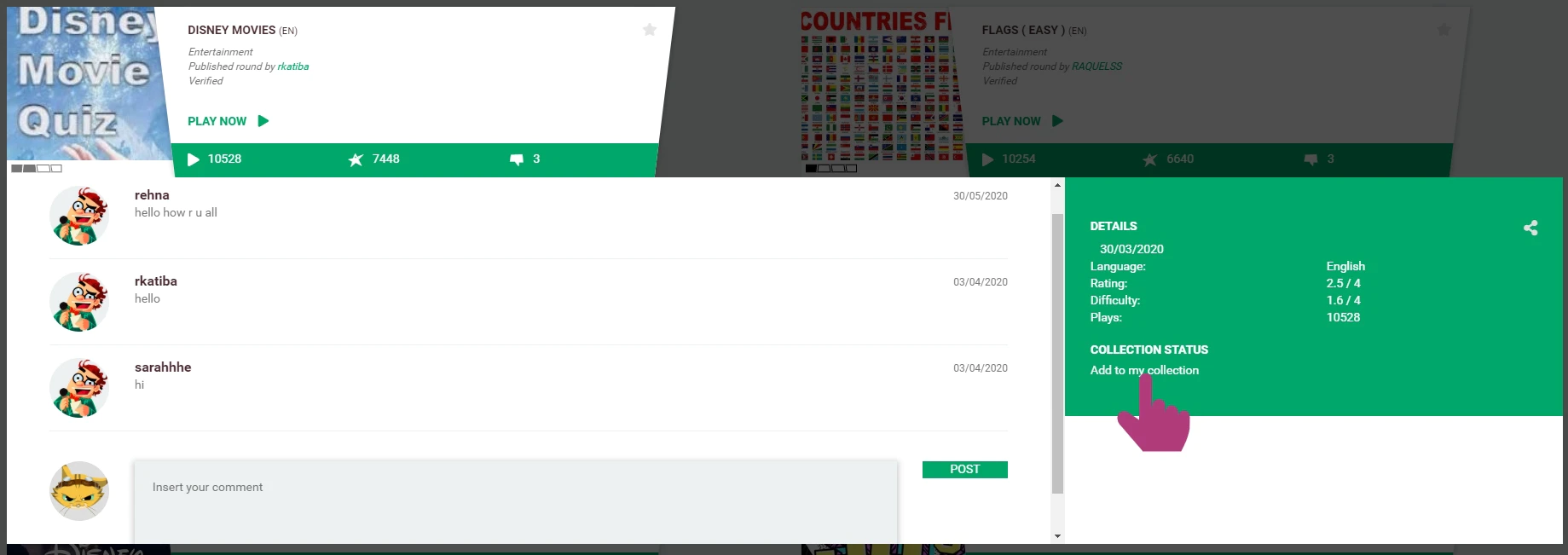
- Click Add to my collection inside the Round-About
- Or click the star icon on the Round-About tile
To remove one later, just click the star again — it’ll now say Remove from my collection.
▶️ Play your collection
When you're ready:
- Click My Collection
- Press Play my collection
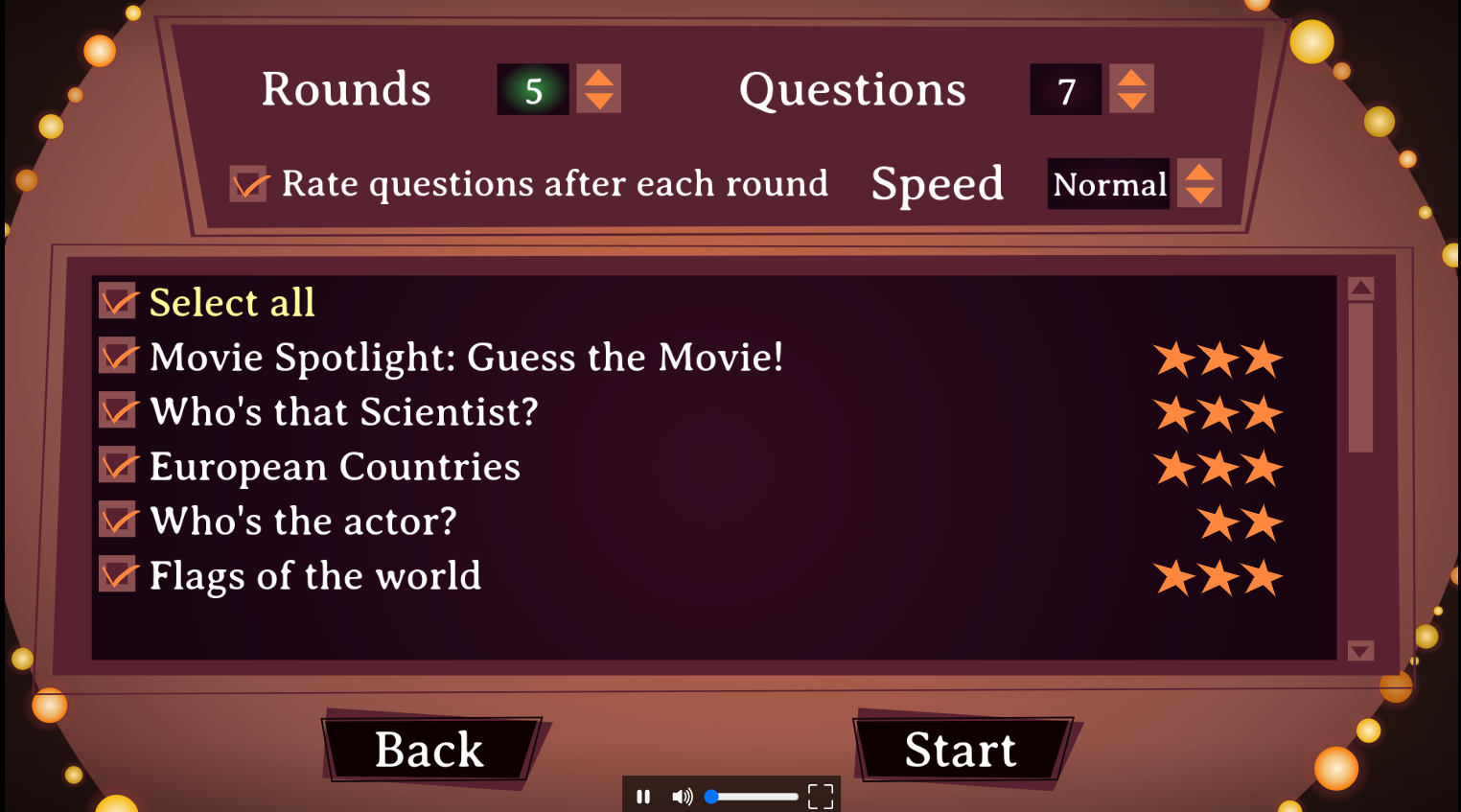
Choose:
- Game mode — Single Player or Party Game
- Which Round-Abouts to include in your session
QuizWitz will try to skip questions you've already seen.
🕹️ In-game experience
Once your game starts, choose your mode:
🎮 Single Player
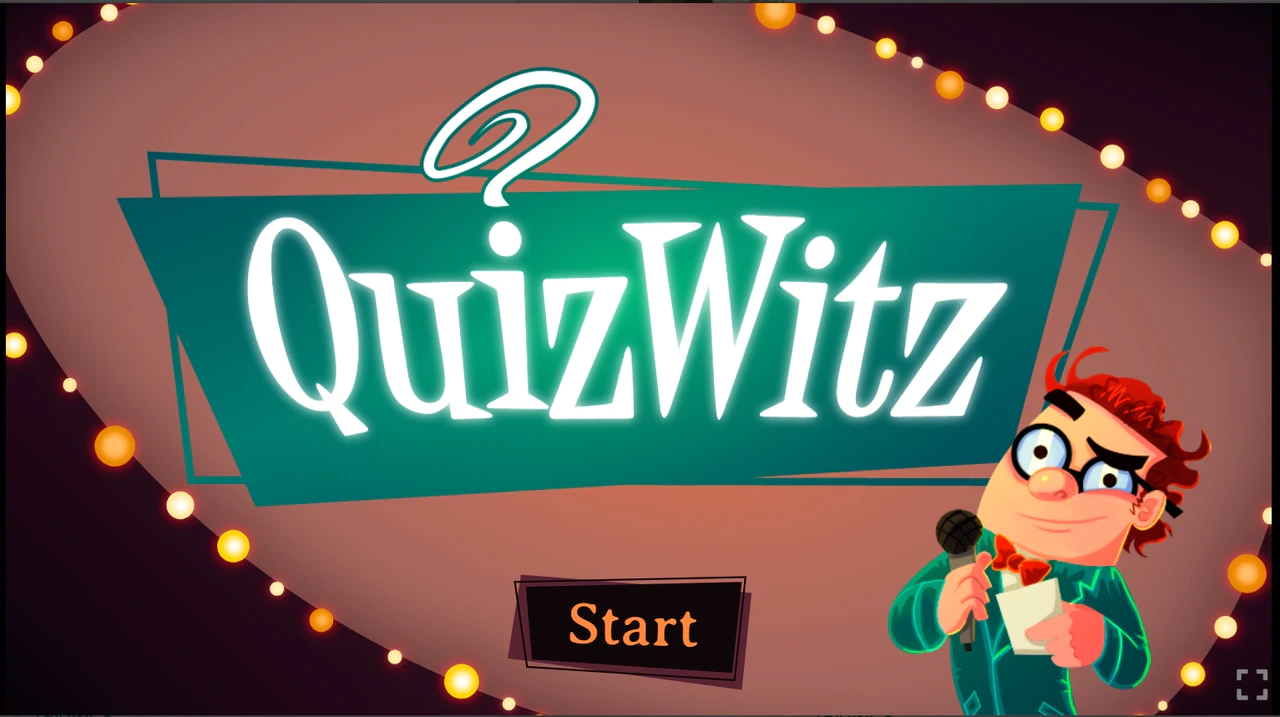
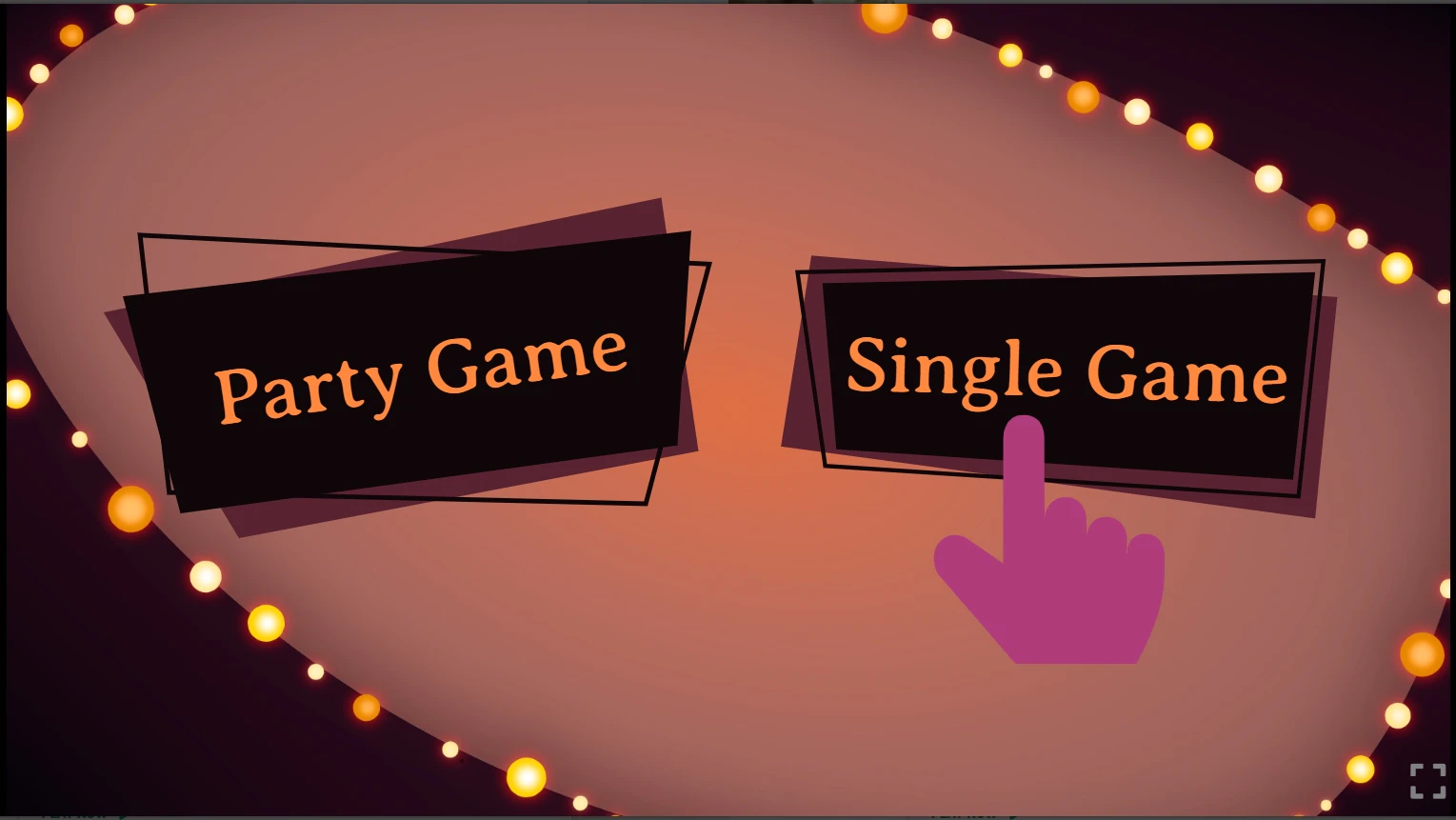
- Click Start, then choose Single Player
- Use your mouse, keyboard, or touchscreen to answer
🎉 Party Game
Play with friends using their own phones or tablets:
📺 Make sure the quiz screen is visible — use a shared display or screen share
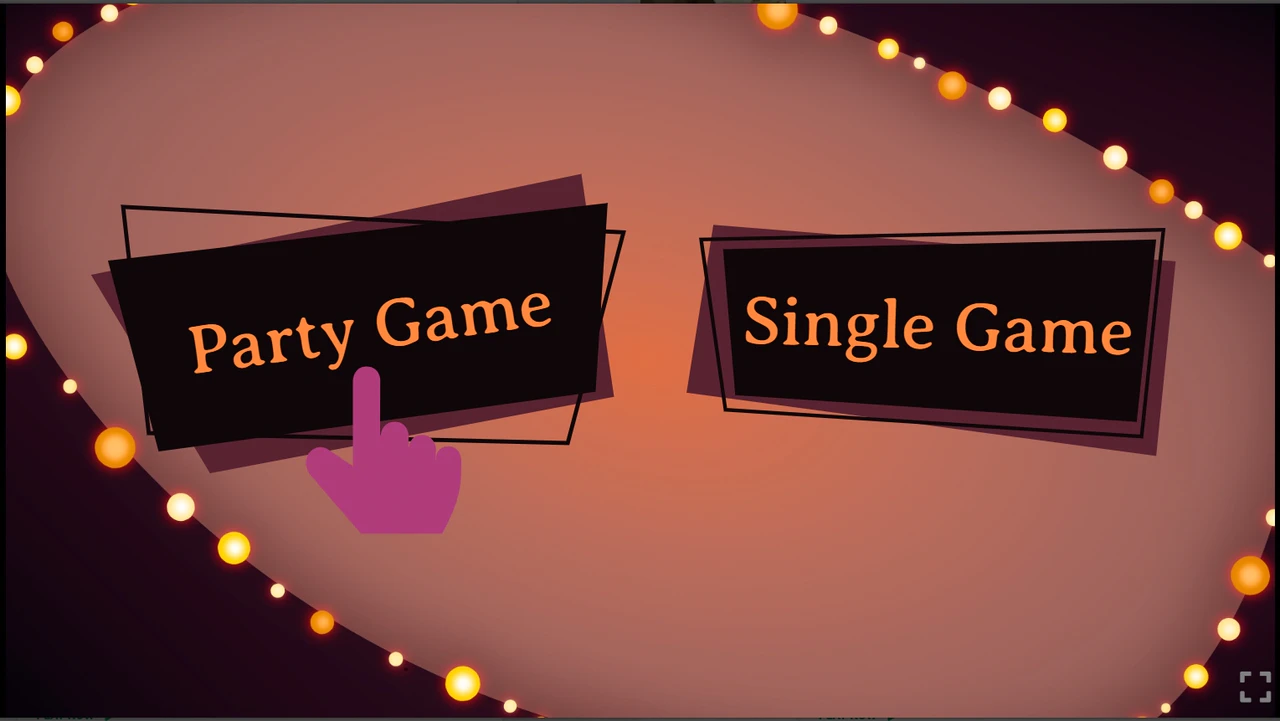
- Click Start, then Party Game
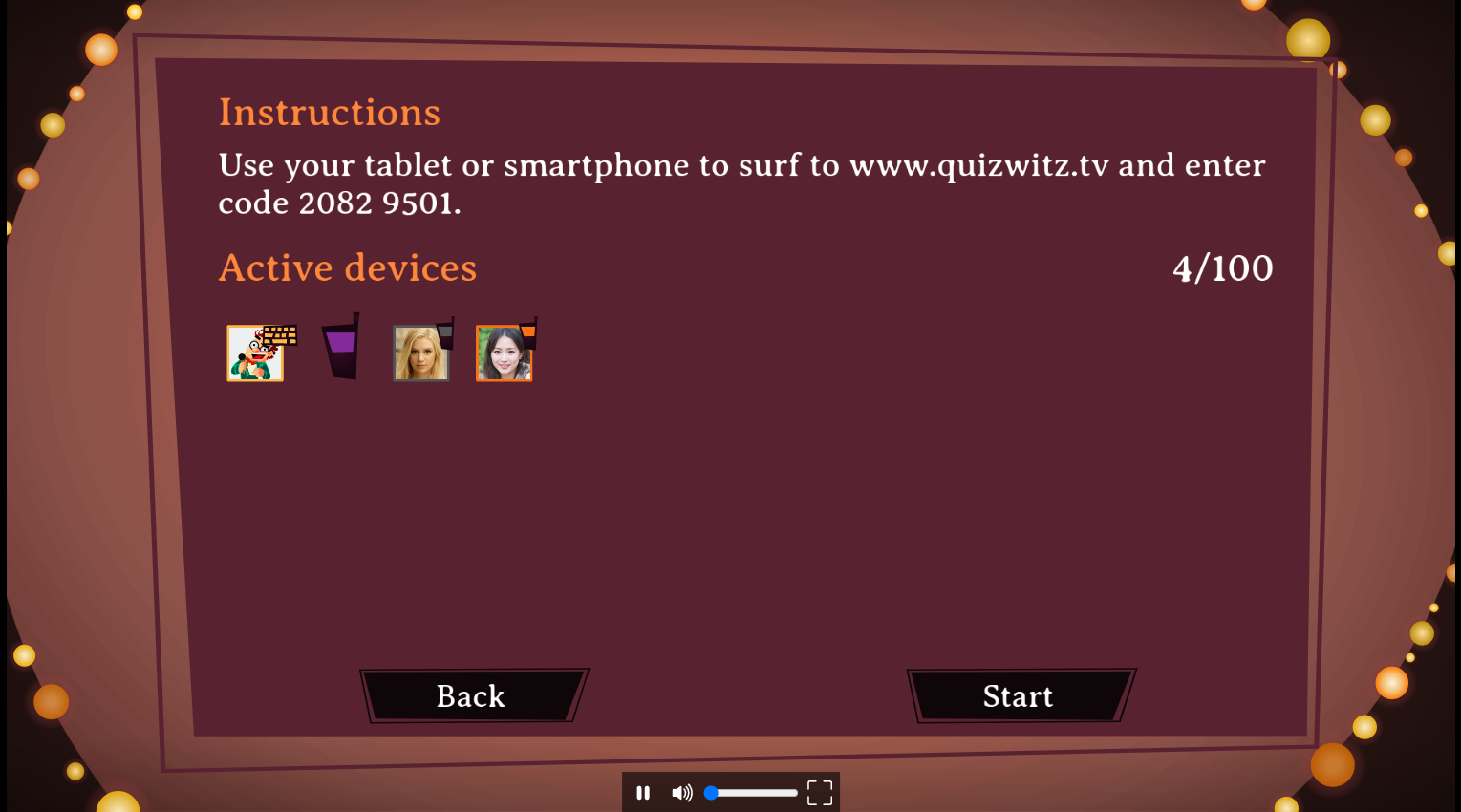
- Players follow the instructions on-screen to join
- Click Start quiz when everyone is ready
⭐ After the game
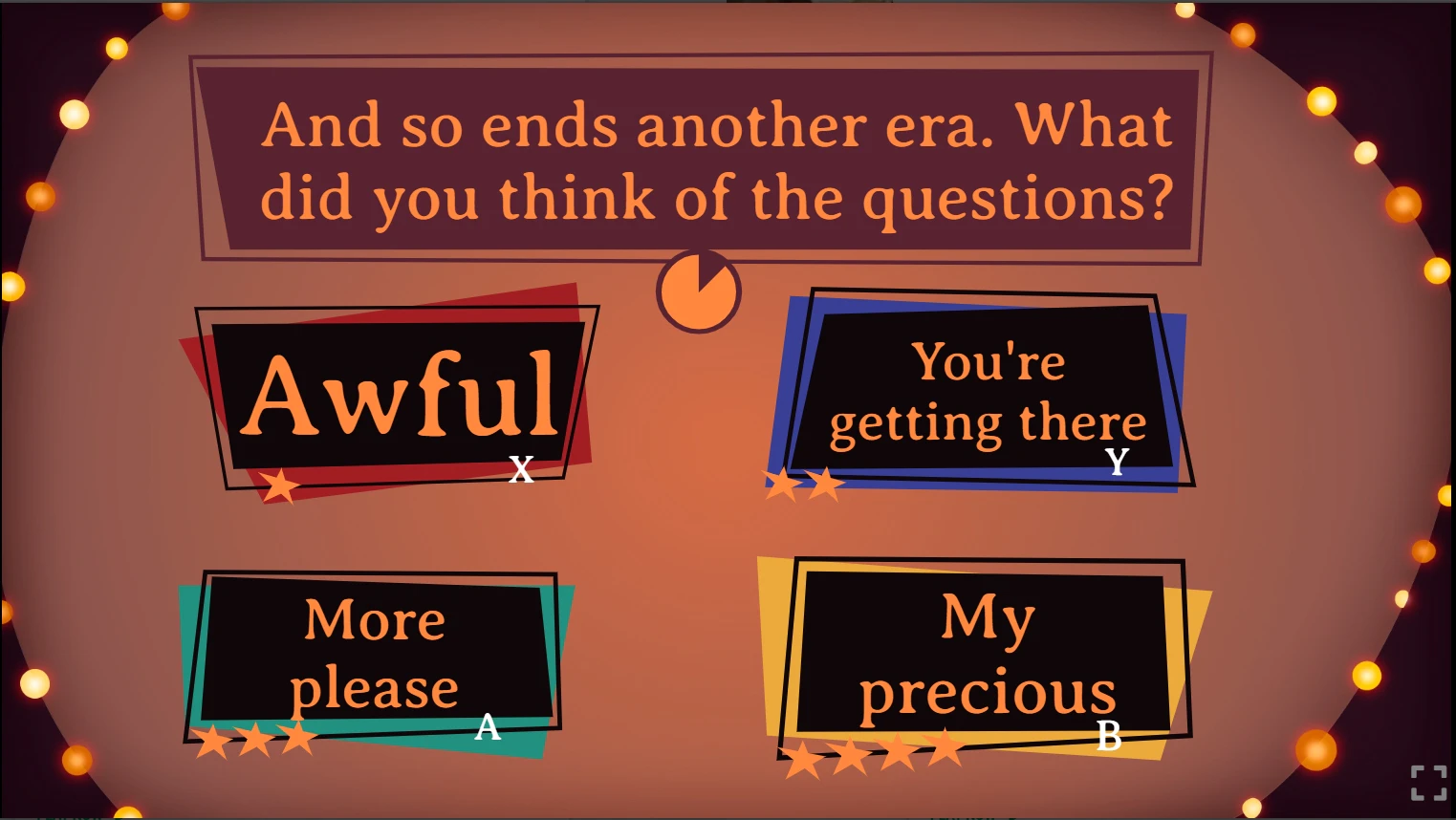
At the end, rate the Round-Abouts you played. This helps surface great content and supports creators.
Enjoy the quiz, and may the best brain win! 🧠🎉