📥 Import questions
There are two ways to quickly add questions to a round in QuizWitz:
- Import existing content from the QuizWitz Library
- Paste a list of questions from a spreadsheet
Both options are accessible from within any round.
📚 Import from the QuizWitz Library
Use the QuizWitz Library tab to search and import questions, rounds, or quizzes created by yourself or other creators.
- Open the round where you want to import content
- Click the QuizWitz Library tab
- Use filters like language, collection, type, category, or tags
- Select one or more entries
- Click Add X items to insert the selected content into your quiz
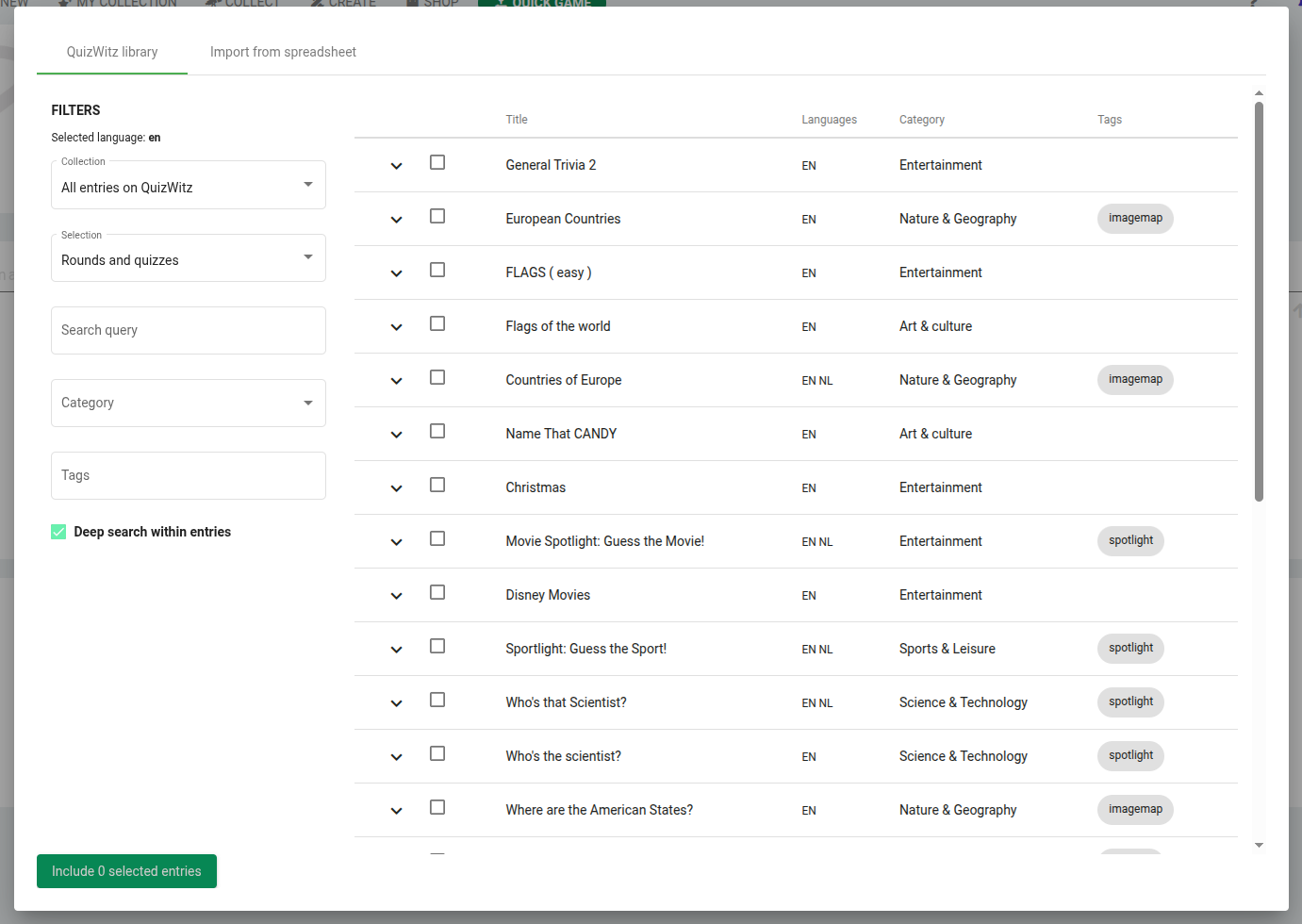
✅ Use this method to reuse high-quality content or combine multiple public Round-Abouts into a larger quiz.
📋 Import from a spreadsheet
To quickly create many questions at once, use the Import from spreadsheet tab.
- Open a round
- Click the Import from spreadsheet tab
- Paste rows of tab-separated values (copied from Excel, Google Sheets, etc.)
- Click Import questions
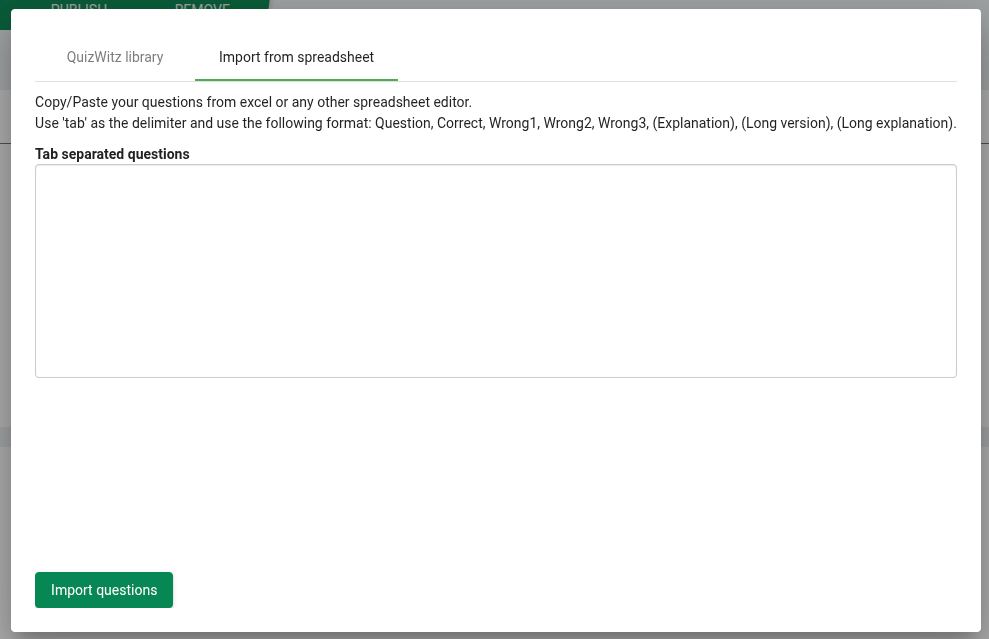
🗂️ Format for pasting
Each row must contain the following columns in this exact order:
- Short question - Displayed on the player screen
- Correct answer
- Wrong answer 1 (leave blank for open questions)
- Wrong answer 2
- Wrong answer 3
- Short feedback - Displayed on the player screen after answering
- Long question (optional) - Displayed on the quizmaster screen
- Long feedback (optional) - Explanation for the quizmaster to read aloud
📌 The last two columns are only used in QuizWitz Live, but they must still be included (even if left empty).
✅ After importing
Whether importing from the library or a spreadsheet:
- Review your questions for formatting and clarity
- Update any metadata like category, round type, or attachments
- Don’t forget to save your quiz
📘 Want to enhance your questions further? Continue in the Writing questions guide.