🔄 Round options
Each round has a specific type. The default is Trivia, but we invite you to test and experiment with all available types. This page explains the settings and attachments you can configure per round.
📘 For a detailed overview of all round types, visit the round types documentation.
🔧 Configuring a round
To configure a round’s options, click the gear icon in the round panel:
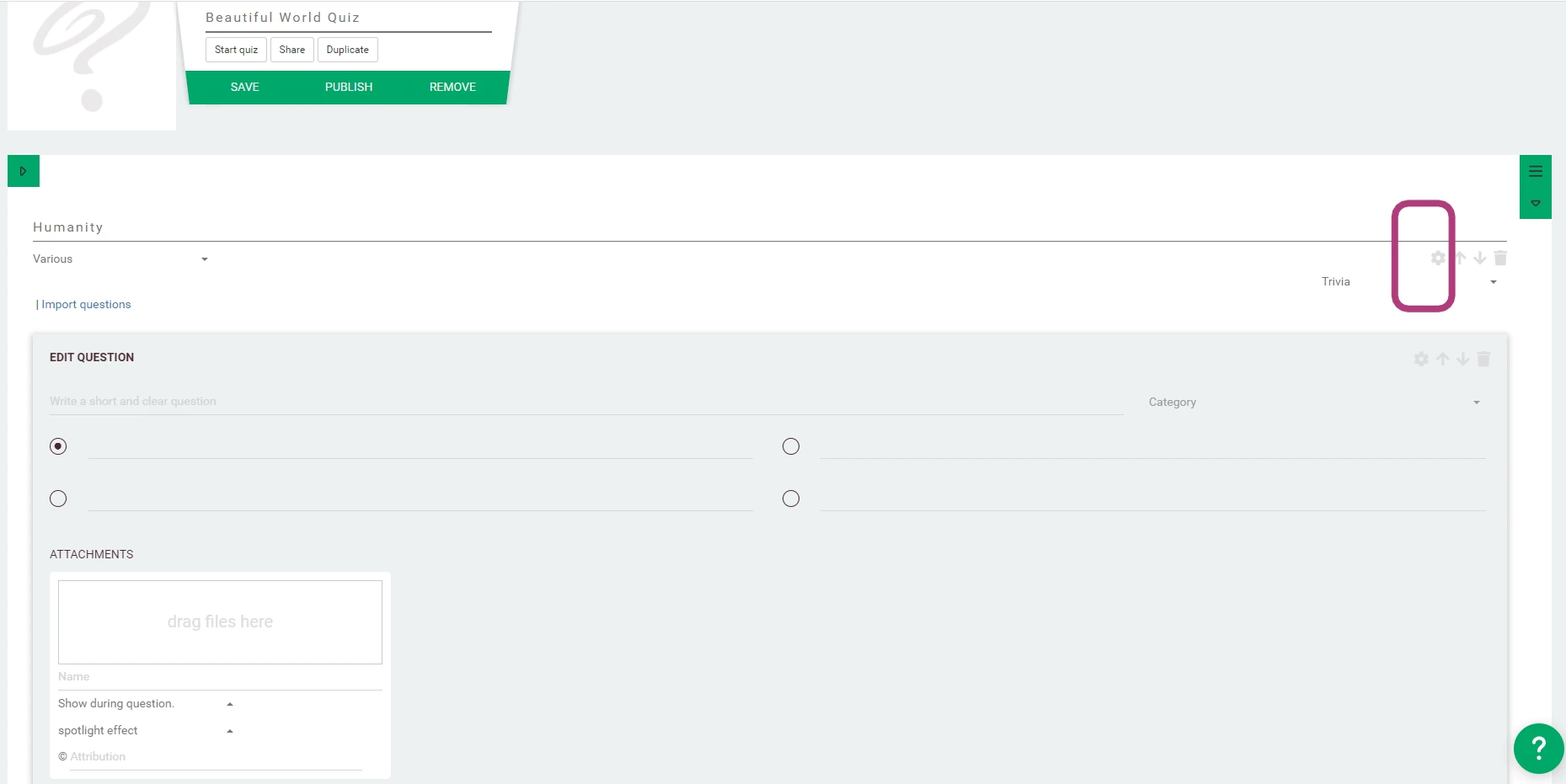 | 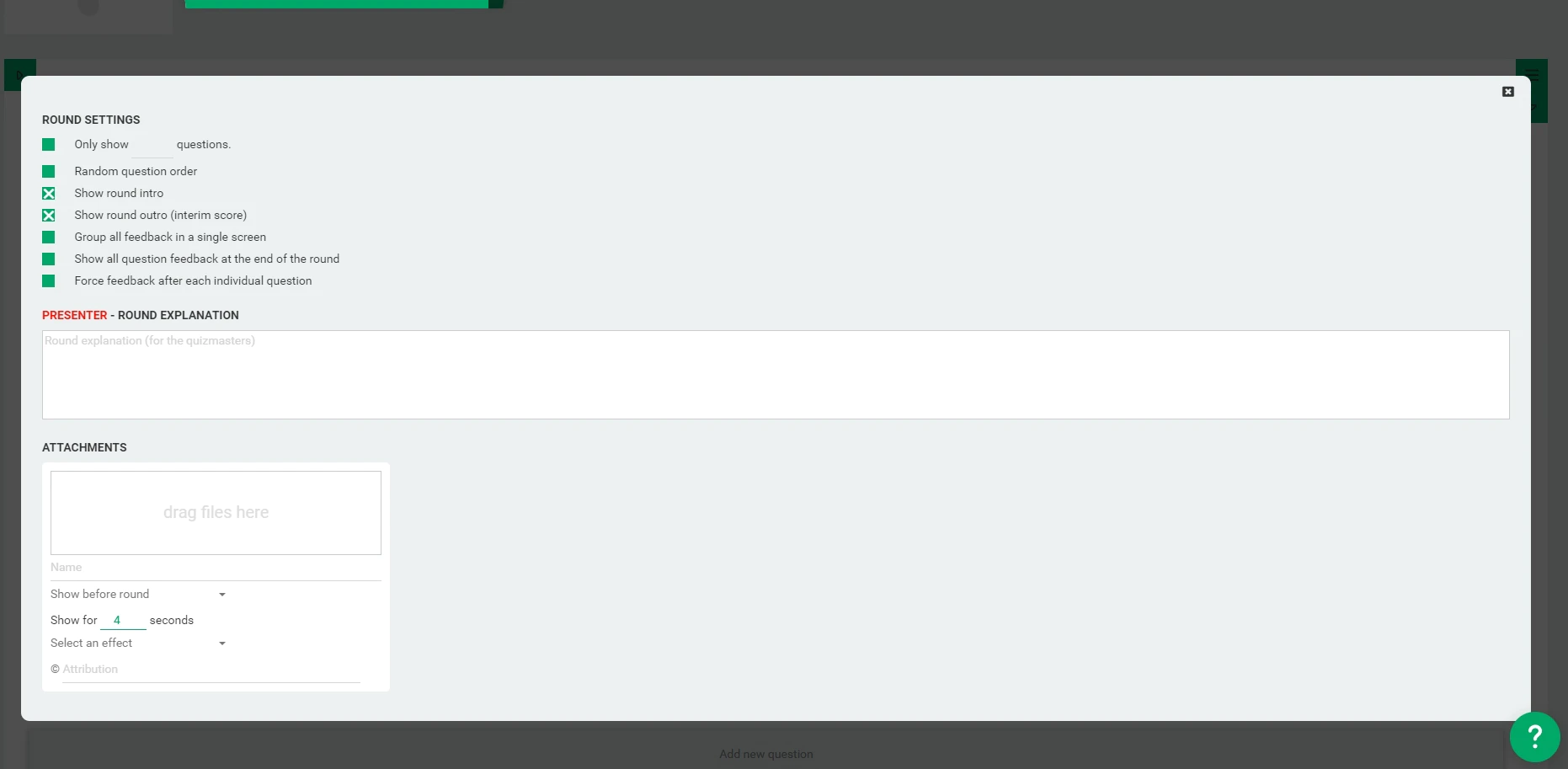 |
|---|---|
| Opening round options | Round configuration panel |
⚙️ General round options
The following options are available for most round types:
- Only show X questions - Limits the round to a specific number of questions
- Random question order - Shuffle the question order within the round
- Show round intro - Display an animated title before the round begins
- Show round outro (interim score) - Reveal rankings at the end of the round
- Group all feedback in a single screen - Collect question feedback in one block after the round ends
- Show all question feedback at the end of the round - Delay question feedback until the round ends
- Force feedback after each individual question - Ensure immediate feedback
⚠️ This only takes effect in round and question types where feedback would otherwise be delayed, such as open questions or lightning rounds.
📘 See question types for more information on feedback timing and behavior.
🏆 Scoring options
QuizWitz offers flexible scoring to keep things fair and engaging for all players.
-
Time-based scoring - Players earn more points for faster answers.
- For most question types, time-based points decrease continuously per microsecond: the faster you answer, the more points you score.
- For open questions, time-based points are divided into blocks. For example: answers in the first block (e.g., first few seconds) earn 100% of the time-based portion, the next block earns 80%, and so on. This helps level the playing field for slower typers.
-
Fixed percentage of points on time-based scoring - You control how much of the total score is influenced by speed.
- By default, 75% of the points are fixed (everyone who answers correctly gets these points, regardless of speed).
- Only the remaining 25% is influenced by how quickly players respond.
💡 Adjusting this setting lets you make rounds more knowledge-based or more speed-based, depending on your quiz style.
These scoring options can be found in the round options panel when editing a round.
📜 Quizmaster instructions
You can add a custom round introduction text that will appear only on the Quizmaster App at the start of the round. Use this to brief the quizmaster or add a personal touch.
📎 Attachments
Enhance your round with media shown at specific moments:
- Before round - Displayed after the round intro animation
- After round - Shown after the round outro
- Before round outro - Shown after the last question, just before the outro
- During round outro - (audio only) Plays while rankings are displayed
- ...
📘 For supported file types and usage tips, see the attachments guide.